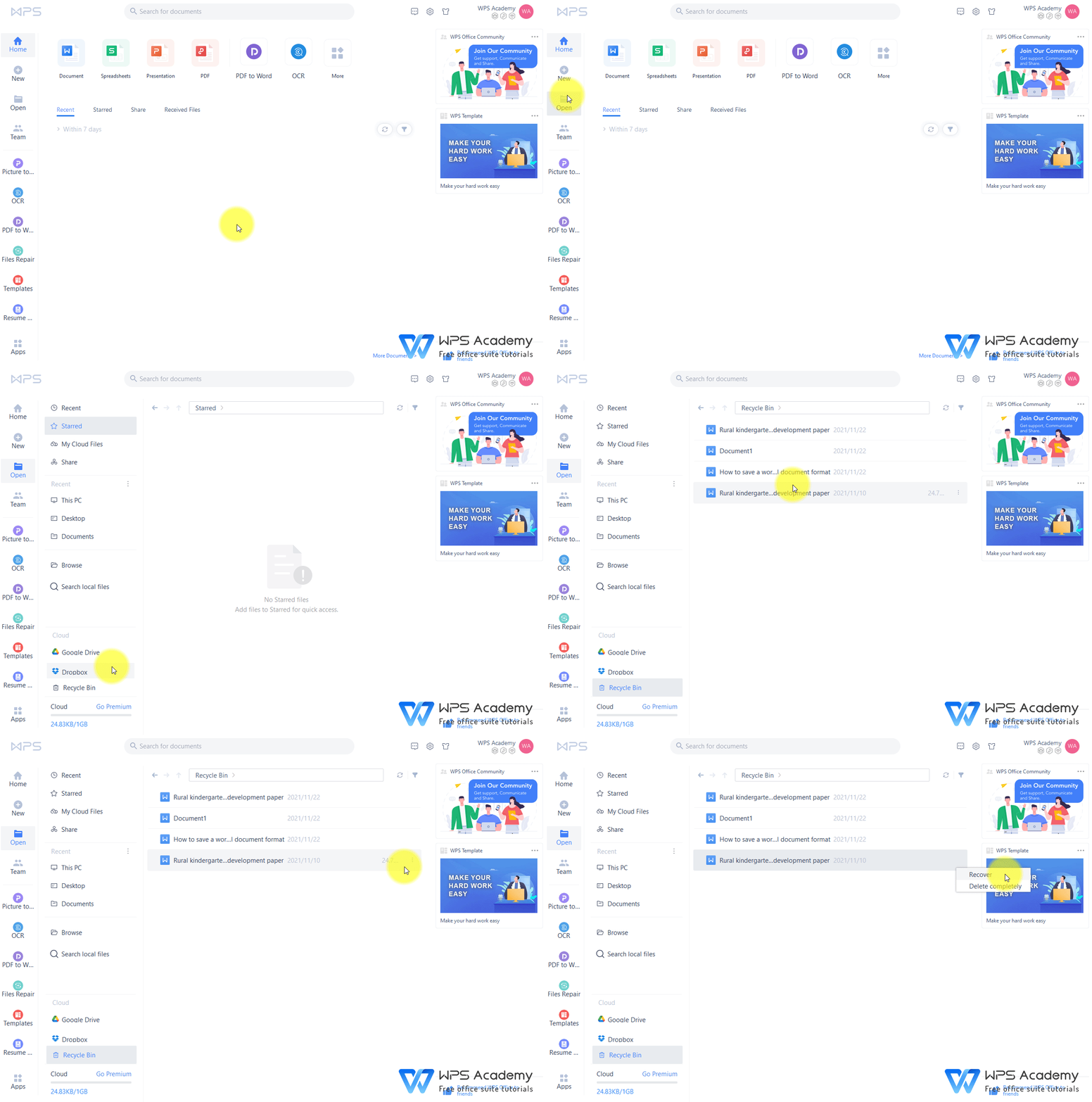
Automating Reports in WPS for Maximum Efficiency
In today’s fast-paced business environment, efficiency is no longer just a preference—it’s a necessity. Organizations are constantly seeking ways to streamline processes, reduce manual effort, and ensure timely delivery of insights. One powerful way to achieve this is by automating reports, and WPS provides a comprehensive suite of tools that make this task seamless and highly effective.
Understanding the Power of Automation in WPS
Automation in report generation refers to the use of software tools to create, update, and distribute reports without the need for repetitive manual input. WPS, with its integrated office suite, allows professionals to automate tasks that would traditionally consume hours of labor. By leveraging built-in features like templates, macros, and cloud integration, WPS ensures that reports are accurate, consistent, and delivered on time.
Automating reports not only saves time but also minimizes human error. Manual report creation often leads to inconsistencies, formatting mistakes, and outdated information. WPS addresses these issues by providing a structured environment where data can be dynamically linked to templates, ensuring that every report reflects the most current data.
Streamlining Data Entry and Management
A significant portion of time in report creation is spent on data entry and management. WPS provides several tools to reduce this burden. For instance, the spreadsheet module in WPS allows users to import data from multiple sources, including CSV files, databases, and other spreadsheets. Once imported, data can be cleaned, formatted, and organized efficiently using built-in functions and formulas.
Moreover, WPS supports automation through macros. Users can record a series of actions, such as formatting tables, calculating summaries, or applying conditional formatting, and replay them whenever needed. This capability drastically reduces repetitive tasks, allowing teams to focus on analysis and decision-making rather than mundane data manipulation.
Using Templates for Consistency
Consistency is key when producing professional reports. WPS offers a wide range of customizable templates designed to meet diverse business needs. These templates act as a framework for reports, ensuring uniformity in layout, fonts, and branding elements. By automating the insertion of data into these templates, WPS allows teams to generate high-quality reports without starting from scratch every time.
Templates in WPS are particularly useful for recurring reports, such as weekly sales summaries, monthly financial statements, or quarterly project updates. By linking data sources to a template, users can automatically refresh their reports with the latest information, reducing the time spent on manual updates and increasing overall productivity.
Leveraging Advanced Features for Automation
WPS is equipped with several advanced features that make report automation even more powerful. One such feature is the integration of pivot tables and charts in spreadsheets. Pivot tables allow users to summarize large datasets quickly, while charts provide visual representation for easier understanding. When combined with automation, these features enable the generation of dynamic reports that can be updated instantly as new data becomes available.
Another valuable feature is the support for macros and scripting. Users with more advanced needs can create custom scripts to automate complex workflows, such as merging data from multiple sources, applying calculations, and generating reports in specific formats like PDF or Excel. This level of automation ensures that even sophisticated reporting requirements can be handled efficiently within WPS.
Enhancing Collaboration and Sharing
Automation in WPS does not stop at report creation—it also extends to sharing and collaboration. With cloud integration, reports can be automatically saved to shared drives, emailed to stakeholders, or published on internal dashboards. This eliminates the need for manual distribution and ensures that the right people receive the right information at the right time.
Collaboration features in WPS also allow multiple users to work on a single report simultaneously. Changes made by one team member can be automatically reflected for others, reducing the chances of conflicting versions and enhancing overall workflow efficiency. By combining automation with collaboration, WPS creates a seamless reporting environment that saves both time and effort.
Reducing Errors and Improving Accuracy
One of the biggest advantages of automating reports in WPS is the improvement in accuracy. Manual data entry and report generation are prone to errors, which can have serious implications for business decisions. WPS minimizes this risk by automating calculations, applying consistent formatting, and linking data dynamically.
Validation tools within WPS spreadsheets further enhance accuracy by flagging inconsistencies, missing data, or outliers. By incorporating these checks into automated workflows, organizations can ensure that their reports are not only efficient but also reliable and trustworthy.
Increasing Productivity and Decision-Making Speed
Time saved through automation directly translates into increased productivity. Employees no longer spend hours creating reports manually, allowing them to focus on interpreting the data and making informed decisions. With WPS, businesses can generate comprehensive reports in a fraction of the time, providing real-time insights that drive faster and more strategic decision-making.
Automated reports also enable proactive management. For instance, if a sales report shows a sudden decline in performance, management can respond immediately rather than waiting for a manually compiled report. This agility is a significant competitive advantage in industries where timely information is critical.
Getting Started with Report Automation in WPS
To begin automating reports in WPS, start by identifying recurring reporting tasks and the data sources involved. Next, create templates that reflect your preferred formatting and structure. Use WPS macros or scripting to automate repetitive actions, such as calculations, chart updates, or formatting adjustments. Finally, leverage cloud features for seamless sharing and collaboration.
Training staff to use these features effectively is also essential. WPS provides tutorials, guides, and community support to help users become proficient in report automation, ensuring a smooth transition from manual processes to a more efficient automated workflow.
Conclusion
Automating reports in WPS is a strategic approach to enhancing efficiency, accuracy, and productivity in the workplace. By leveraging features like templates, macros, pivot tables, and cloud integration, organizations can eliminate repetitive tasks, reduce errors, and deliver timely insights to stakeholders. The benefits extend beyond time savings—automated reports improve decision-making, enable proactive management, and foster a collaborative work environment.
In a world where data-driven decisions are crucial, WPS provides the tools necessary to maximize efficiency through automation. Businesses that embrace this approach not only save time and resources but also gain a competitive edge by turning data into actionable insights faster than ever before. WPS is not just an office suite—it’s a solution for smarter, faster, and more reliable reporting.

Related Posts

Tuber Music Releases: Using an AI Song Generator to Produce Your Debut Single

Where to Source the Most Competitive PVC Tarpaulin Wholesale Prices in 2026 – pvc tarpaulin wholesale price